Deploying to Linux in SaaS (Configured) Commerce
- Mark Hall
- Optimizely
- April 10, 2026
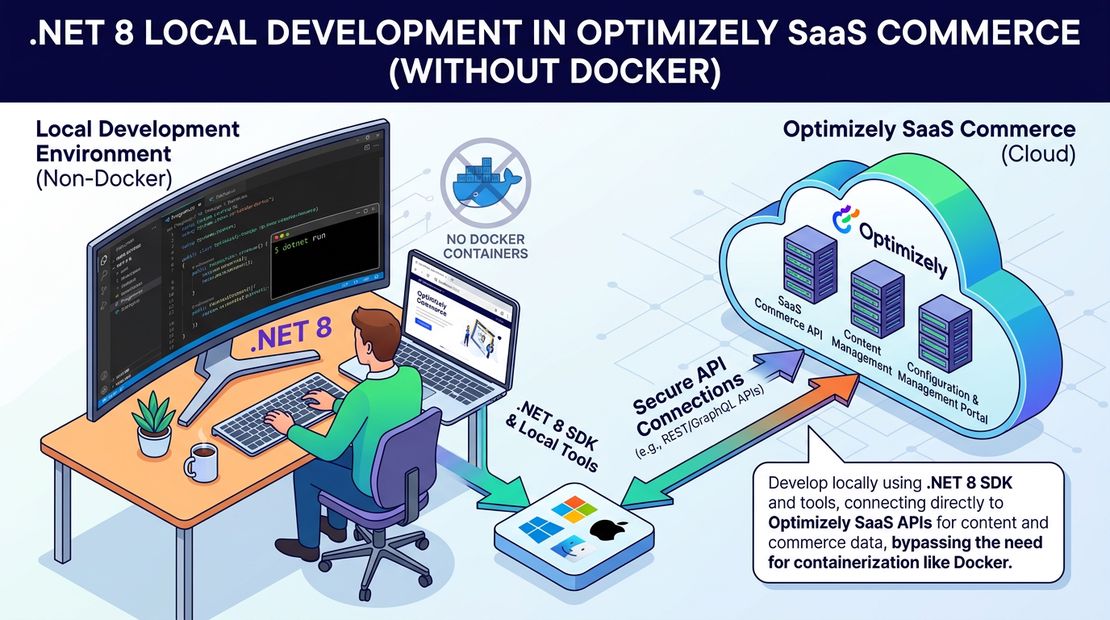
With Optimizely SaaS (Configured) Commere now suporting net8.0 extensions dll, you will need to make a small tweak to how you distribute you extensions dll.
When looking in the documentation it is never mentioned but you need to add to a new netcore folder in the dist folder. Here is a snippet from my pipeline which builds the extensions dll and puts in in the right folder for Optimizely
- task: DotNetCoreCLI@2
  displayName: 'Build Code'
  inputs:
    command: build
    projects: 'src/Extensions/Extensions.csproj'
    arguments: '--configuration $(BuildConfiguration) --framework $(coreFramework) -p:Version=$(versionNumber)'

- task: CopyFiles@2
  displayName: 'Copy extensions dll'
  inputs:
    SourceFolder: './src/Extensions/bin/net8.0'
    Contents: 'Extensions.dll'
    TargetFolder: 'dist/netcore'
    OverWrite: true
Tags :
Share :
I am senior solution architect working at Perficient helping brands create exceptional digital experiences for their customers. I am a full stack developer who enjoys the full software development lifecycle. I have expertise in Optimizely, the Azure cloud stack, React, NextJS, CI/CD pipelines, test driven development and solution architecture.