Using Azure Devops Pipelines in Optimizely SAAS (Configured) Commerce
- Mark Hall
- Optimizely
- April 4, 2026
Introduction
When working with SAAS Commerce build service v2 your currently need to use a github repo with configured branches to start deployments. Any time a push is comitted to the configured branches the build service will start a deployment.
Using Azure Devops
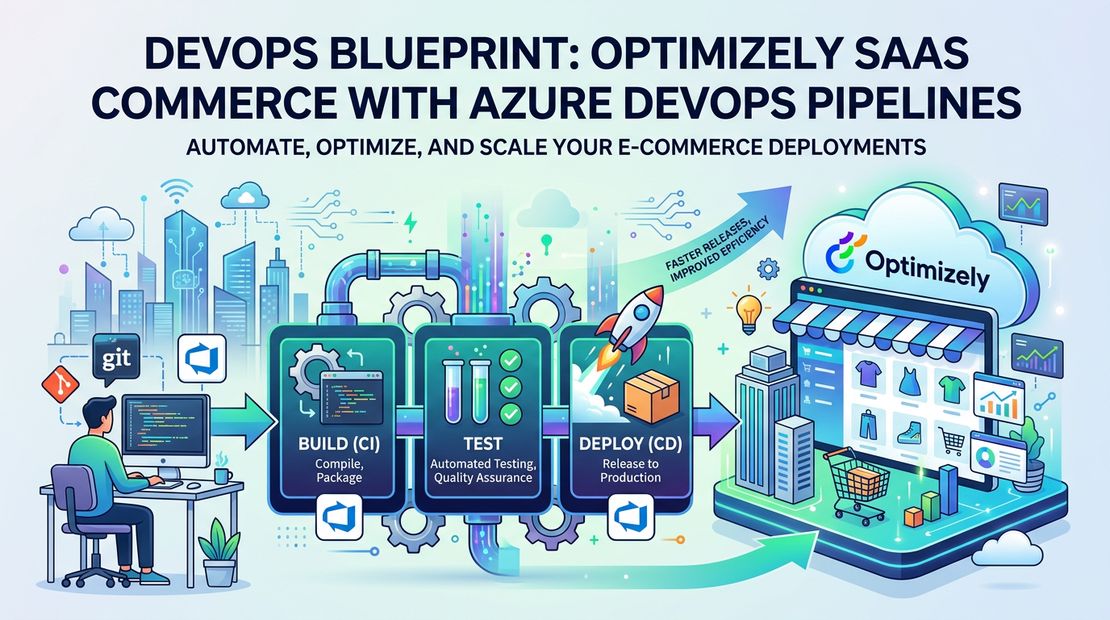
Most enterprise clients I am working with seem to be using Azure Devops for source control and pipelines. This post will show how you can use devops to build and lint the solution like the Optimizely Build Service does so you can catch error before they get to the build service. The final piece of the pipeline then pushed to the github branch depending on the pipeline.
Sample Pipeline
pool:
  vmImage: 'windows-latest'

trigger:
- develop

variables:
  buildConfiguration: 'Release'
  coreFramework: 'net48'
  version.MajorMinor: '0.0'
  version.Patch: $[counter(variables['version.MajorMinor'], 0)]
  stableVersionNumber: '$(version.MajorMinor).$(version.Patch)'
  brpatch: $[counter(variables['build.sourcebranchname'], 0)]
  buildVersionNumber: 'Set dynamically below in a task'

steps:
- checkout: self
  persistCredentials: true
  fetchDepth: 0

- task: PowerShell@2
  displayName: Set the version
  inputs:
    targetType: 'inline'
    script: |
      [string] $buildVersionNumber = "$(stableVersionNumber)-$(Build.SourceBranchName).$(brpatch)"
      Write-Host "Setting the version number to '$buildVersionNumber'."
      Write-Host "##vso[task.setvariable variable=buildVersionNumber]$buildVersionNumber"
      Write-Host "##vso[build.updatebuildnumber]$buildVersionNumber"

- task: UseNode@1
  inputs:
    version: '20.x'
  displayName: 'Install Node.js'

- task: Cache@2
  displayName: Cache packages
  inputs:
    key: 'npm | "$(Agent.OS)" | $(Build.SourcesDirectory)/src/frontend/package-lock.json'
    restoreKeys: |
      npm | "$(Agent.OS)"
    path: $(Build.SourcesDirectory)/src/frontend/node_modules
    cacheHitVar: NPM_CACHE_HIT

- script: npm ci
  displayName: Install packages
  condition: ne(variables.NPM_CACHE_HIT, 'true')
  workingDirectory: './src/frontend'

- script: npm run eslint:blueprint
  displayName: ES Lint
  workingDirectory: './src/frontend'

- script: npm run build example
  displayName: Build blueprint
  workingDirectory: './src/frontend'

- task: DotNetCoreCLI@2
  displayName: 'Get NuGet Packages'
  inputs:
    command: 'restore'
    projects: 'src/Extensions/Extensions.csproj'
    feedsToUse: 'config'
    nugetConfigPath: './NuGet.config'

- task: DotNetCoreCLI@2
  displayName: 'Build Code'
  inputs:
    command: build
    projects: 'src/Extensions/Extensions.csproj'
    arguments: '--configuration $(BuildConfiguration) --framework $(coreFramework) -p:Version=$(buildVersionNumber)'

- task: CopyFiles@2
  displayName: 'Copy extensions dll'
  inputs:
    SourceFolder: './src/Extensions/bin/net48'
    Contents: 'Extensions.dll'
    TargetFolder: 'dist'
    OverWrite: true

- bash: |
          git clone https://github.com/lunchin/test-repo.git
          git config --global user.email "test@email.com"
          git config --global user.name "test.ci"
          git checkout develop
          git add .
          git commit -m "Merge into develop branch"
          git push -f https://github_pat_token@github.com/lunchin/test-repo.git HEAD:develop
  displayName: "Merge into GitHub"
Versioning
One reason I like devops is you can create a versioning method easily without any third party plugins. The one here works well it will create unique versions per branch.
Frontend Linting and Building
If you worked with the SAAS commerce you know about the build failure emails that are sent out when their is an error building one of the container images used in the SAAS architecture.
I always run the linting command npm run eslint:blueprint as this will catch any syntax errors.
Depending on the build type I run the command npm run build example with example being the blueprint name. I usually on run this on the PR build because step adds 5 to 10 minutes to the pipeline length.
Building Extensions Project
When I first started working with SAAS commerce the teams I working with were building the solution and then manually adding the Extensions.dll in the dist folder as required by the commerce build service. I quickly updated the pipelines to automatically build the extensions dll and then update the file in the dist folder automatically
Update Target Branch in GitHub
Finally we send the extensions dll and updated code to the matching branch in GitHub. This allows all the developers to only have to interact with Devops and unaware of the Github repo needed by Optimizely to run the builds.
Tags :
Share :
I am senior solution architect working at Perficient helping brands create exceptional digital experiences for their customers. I am a full stack developer who enjoys the full software development lifecycle. I have expertise in Optimizely, the Azure cloud stack, React, NextJS, CI/CD pipelines, test driven development and solution architecture.